LATEST RELEASE
INDEPENDENT ARTIST · JAPAN
fuzzlet.
Art, film, music, words & tools.
Made with imagination. Shaped with AI.SCROLL TO UNFOLD ↓
Made with imagination. Shaped with AI.SCROLL TO UNFOLD ↓
01 / ABOUT FUZZLETCREATING ACROSS BOUNDARIES
The world holds
more colors
than you think.
From Japan.
Beyond one medium.
fuzzlet is an independent creative project by a video director and CG artist with years of experience creating films for large-scale physical spaces.
With AI as a creative tool, images, sounds and words become new worlds. Five fields. One imagination.
02 / FIVE CREATIVE FIELDS
Pick a world.
Beautifully
unreal.
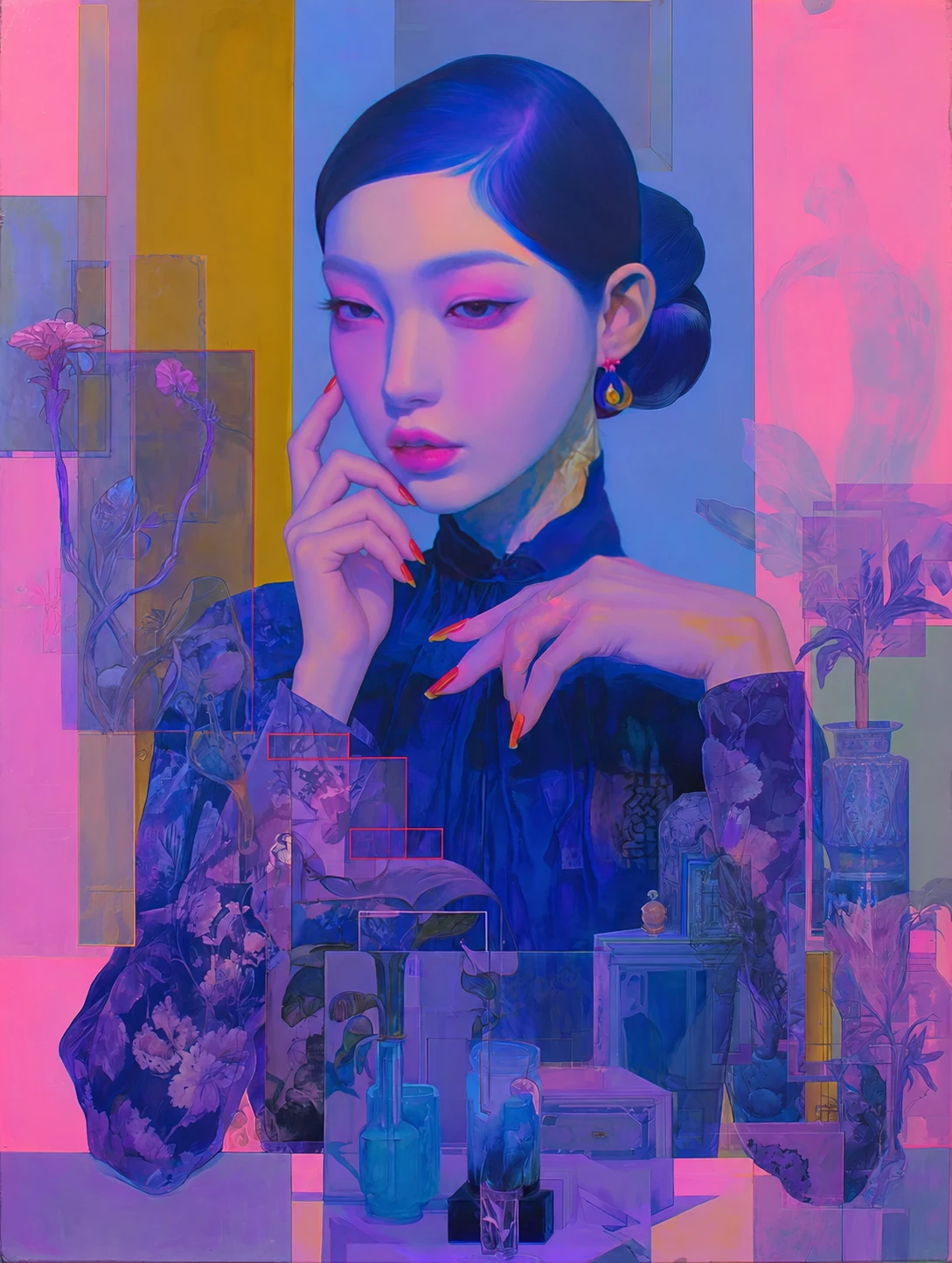
Portraits and imagined worlds.
Open an image. Step closer.
SPACE / MOVEMENT / TIMEOUT
OUT
OF THE
FRAME.
From a screen to the space around it.
Moving images are where it began. Years of spatial film direction form the background to fuzzlet's exploration of film, movement and time.
Selected direction work ↓FUZZLET / ORIGINAL MUSIC
Songs, heard anew.A world
in words.
Stories, and writing that explores the culture and landscapes of Japan.
Published writing will be collected here.
TOOLS FOR MAKING & SEEING
Small tool.
More freedom.
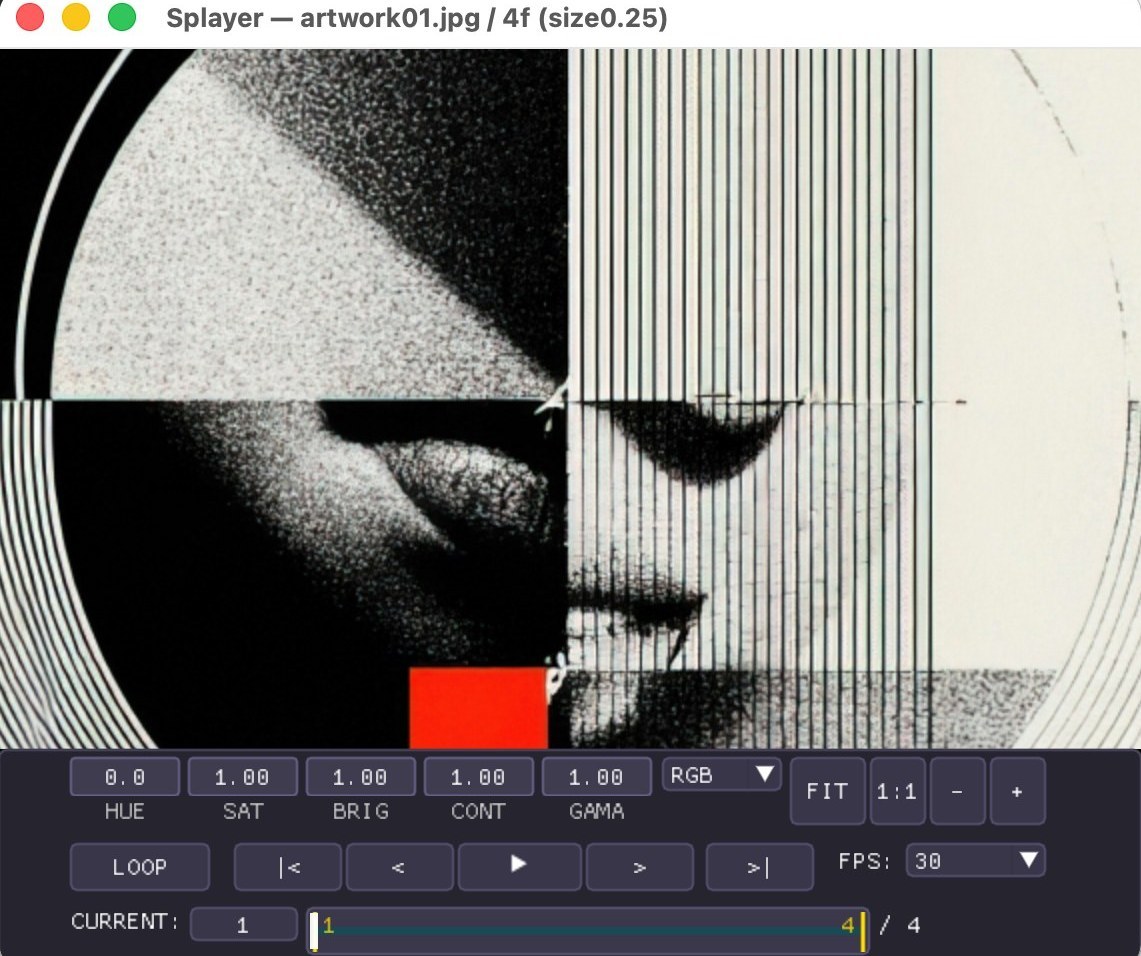
Splayer. A simple player for image sequences.
Explore Splayer ↗macOS / Windows
 Splayer ↗
03 / BEHIND FUZZLETSELECTED DIRECTION WORK
Images that
inhabit space.
A background in creating moving images for places people physically inhabit — from theatre screens to architectural surfaces.
01
SHOSOIN THE SHOW
Theatre film
02
ART HOTEL OSAKA
Lobby visuals
More spatial film projects
- Large-scale exhibition films for a museum
- Building-wide projection mapping at an urban complex
- Large-format films for a construction company's showroom
- Christmas projection mapping onto a book-shaped object for a jewellery brand
- Table projection mapping for a cosmetics product launch